
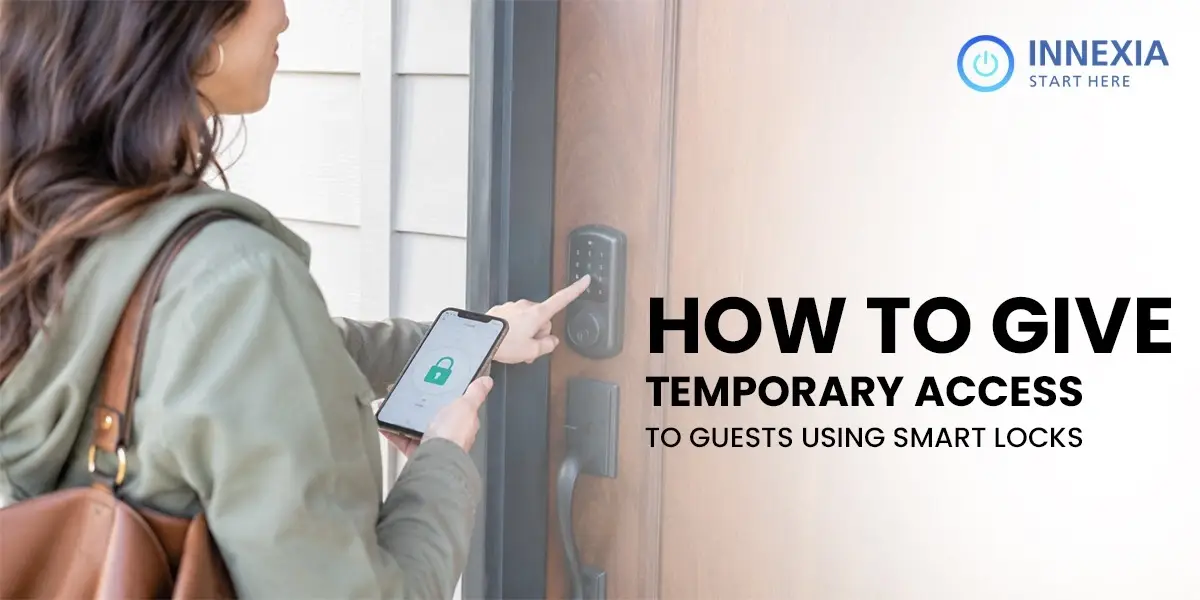
You have guests arriving. Domestic help comes twice a week. A family member needs access while you are traveling. A delivery needs to happen when you are at the office.
The traditional answer is a spare key. It gets lost, copied, or simply never returned. Homeowners want access control without the anxiety that comes with physical keys.
Our system solves this entirely. You control who enters and when they can enter, and you revoke that access the moment it is no longer needed, all from your phone.
What Is Temporary Access on a Digital Door Lock?
Temporary Access: A digital credential that grants access for a specific period of time. After the time is up, the credential automatically disables itself. No next steps, no key to collect.
There are several different types of temporary access on a digital door lock, such as OTP, Scheduled PIN Code, RFID Card, or App-based Invite. Each approach is for a different use case and can be configured in less than two minutes.
Who Actually Needs This Feature?
Let’s briefly look at who will benefit most from temporary guest access to a smart home security system before we get to the how-to.
- Regular guests: Visitors from the family staying for several days and friends who spend a night or two.
- Coaches: Trainers and coaches for sports, business, language, or other activities.
- Professionals: Businessmen, women, language tutors, sports trainers, domestic workers, cooks, or cleaners who work on specific days.
- Rental property owners: Tenants, guests, or property managers requiring controlled access.
- Sharing your space: Anyone who needs someone to share it with while they are away from home
- Homeowners with deliveries: Couriers or service technicians who just need to pay in once.
- Familiar homes: Different schedules, living without a common master code
How to Give Temporary Access: Step by Step
This is how it works on our WiFi smart lock system. The steps are broadly the same across most modern access control systems.
Step 1: Open the Innexia app, log in, and go to the Lock section under your home dashboard. All connected devices appear here.
Step 2: Select the Lock. Tap the smart door lock you want to manage. Every registered smart door lock appears here. You will see the current access list and options to add users.
Step 3: Choose Access Type. Select from:
- Temporary PIN: Active for a specific date and time range
- One-time OTP: Valid for a single use only
- Scheduled access: Repeats on set days and times, for regular domestic help
- RFID Card: A physical card that is issued for a specified time period.
Step 4: Determine the Time Window (Define specific start and end dates and hours allowed). Guests arriving on Friday evening and leaving Sunday morning have access only during that period. Nothing more.
Step 5: Share the credential directly from the app with WhatsApp, SMS, or email. The guest does not have to download anything to utilize a PIN.
Step 6: Your home security system keeps a record of all access. The credential is noted every time it is used. You are sure of when your visitor came and when he left.
Types of Temporary Access: Which One to Use
Access Type | Best For | Expires | Internet Required |
One-time OTP | Delivery agents, single visit | After one use | Yes |
Scheduled PIN | Domestic help, recurring visits | Auto on schedule | No (stored locally) |
Timed PIN | Weekend guests, short stays | Set date and time | No (stored locally) |
App Invite | Family members, trusted guests, | Until revoked | Yes |
RFID Card | Regular visitors, rental tenants | Until deactivated | No |
How to Revoke Access Instantly
This is where a smart door lock genuinely outperforms every physical key alternative.
Open the app, find the guest’s credentials, and delete them. That is it. The code stops working immediately. No locksmith. No changing locks. No awkward request to return a key.
If you issued a timed PIN, you do not even need to do that. The code expires automatically on the date and time you set. The access control system handles it without any action from you.
Security Best Practices for Guest Access
- Never share your permanent master PIN: Always create a separate credential for every guest
- Set the shortest window necessary: If the plumber is coming Tuesday 10 am to 12 pm, set exactly that
- Review your access log regularly: The activity feed on your home security system shows every entry
- Delete credentials immediately after use: Do not leave unused codes sitting in the system
- Use one-time OTPs for one-off visits: Delivery agents and service technicians should never get recurring access
How Innexia Handles Guest Access
Our wifi smart lock supports four simultaneous access methods: PIN code, fingerprint, RFID, and app-based access. Temporary credentials for each method can be created, scheduled, and revoked independently.
Every entry is logged with a timestamp and the credentials used. If domestic help arrives 30 minutes early or a guest enters at an unusual hour, you are notified instantly.
Because our system runs on Zigbee mesh technology, scheduled PINs and RFID cards continue working even when the internet is down. Your guests are never locked out because your router restarted.
And when a guest’s stay is over, their access ends. Automatically, silently, without you needing to remember.
Conclusion
Handing out a spare key is a one-way transaction. You give it, and you lose control. Temporary access to the lock gives you the opposite: full visibility, defined windows, and instant revocation.
India’s smart home security market is projected to reach USD 14.7 billion by 2034 (Source: IMARC Group), and access control is one of its fastest-growing segments because homeowners want security without inconvenience.
The smart home security system at Innexia allows you to easily record and manage guest access with ease.
Get a free demo and try it yourself!